Café model match
Water filter replacement for Café CGE29DP4TW2
The supported refrigerator filter in our guide is GE XWFE, manufacturer part number XWFE.
Compatibility entry updated August 23, 2026Direct answer: XWFEThe Café CGE29DP4TW2 is matched with GE XWFE. Confirm the full model label and manufacturer result before ordering.
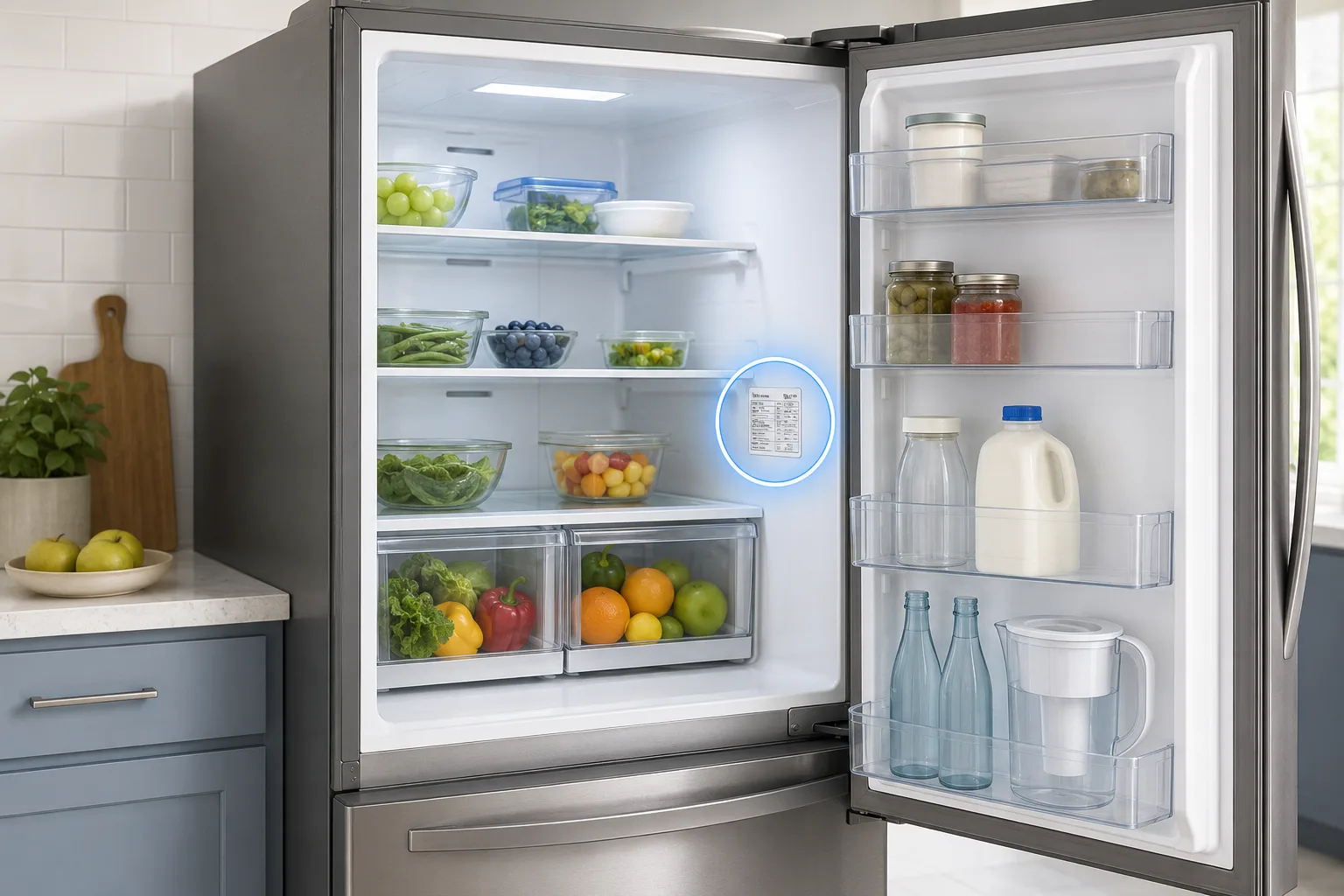
Which water filter fits Café CGE29DP4TW2?
Our compatibility guide associates Café refrigerator model CGE29DP4TW2 with GE XWFE, part XWFE. This is the identifying number to compare when searching for a replacement refrigerator filter, fridge filter, or compatible cartridge.
Café refrigerators are part of the GE Appliances family, but filter compatibility remains model-specific. Confirm XWFE on the appliance page or installed cartridge before purchasing. Do not choose a cartridge based only on refrigerator color, door arrangement, or product photography.
Verification record for CGE29DP4TW2
This entry pairs the complete model number with GE XWFE and part XWFE. It was last reviewed using official Café compatibility information on August 23, 2026.
See how every match is checked →Confirm the model before purchasing
Open the refrigerator and locate the permanent model-and-serial label, commonly found on a side wall, ceiling, door frame, or behind a crisper drawer. Confirm that it reads CGE29DP4TW2, including the final letters and numbers.
- Use the appliance model—not the serial number.
- Compare XWFE with the number on the installed cartridge.
- Open the official Café confirmation link before ordering.
- Stop if the old and new filter connections do not match.
How often should it be replaced?
The listed replacement interval for GE XWFE is every 6 months. Replace sooner if the refrigerator manual directs you to, the rated capacity is reached, dispenser flow drops noticeably, taste changes, or the filter indicator requests replacement.
A reset light does not renew the cartridge. Reset the indicator only after installing and flushing the correct new filter.
Installation and flushing
Install the specified GE filter in the location shown by the Café manual and complete the model-specific flushing and filter-status reset steps. Follow the CGE29DP4TW2 owner’s manual for the exact compartment location, release method, flushing volume, and reset sequence.
Air may cause temporary sputtering during the first dispensing cycles. Continue only as directed by the manual and inspect the housing for leaks. If water continues to escape, shut off the supply and recheck the cartridge, seals, and housing.
OEM versus compatible filters
Use XWFE as the reference part when comparing alternatives. A compatible cartridge should explicitly identify that OEM number and provide independent evidence for its certification claims. A similar-looking connector or a broad statement that it “fits Café” is not sufficient.
For the lowest-friction choice, use the manufacturer-approved filter. If considering a third-party option, confirm the exact fit, certifier listing, seller, and return policy before opening the package.