Samsung model match
Water filter replacement for Samsung RF28HMEDBSR
For the Samsung RF28HMEDBSR, use the HAF-CIN cartridge and the Alarm button’s filter-reset function. The model’s separate FlexZone drawer and external dispenser help distinguish its layout from Samsung three-door refrigerators with different controls.
Compatibility entry updated November 1, 2026
Guide match: DA29-00020BOur research associates Samsung RF28HMEDBSR with Samsung HAF-CIN. Confirm the full model label and current manufacturer result before ordering.
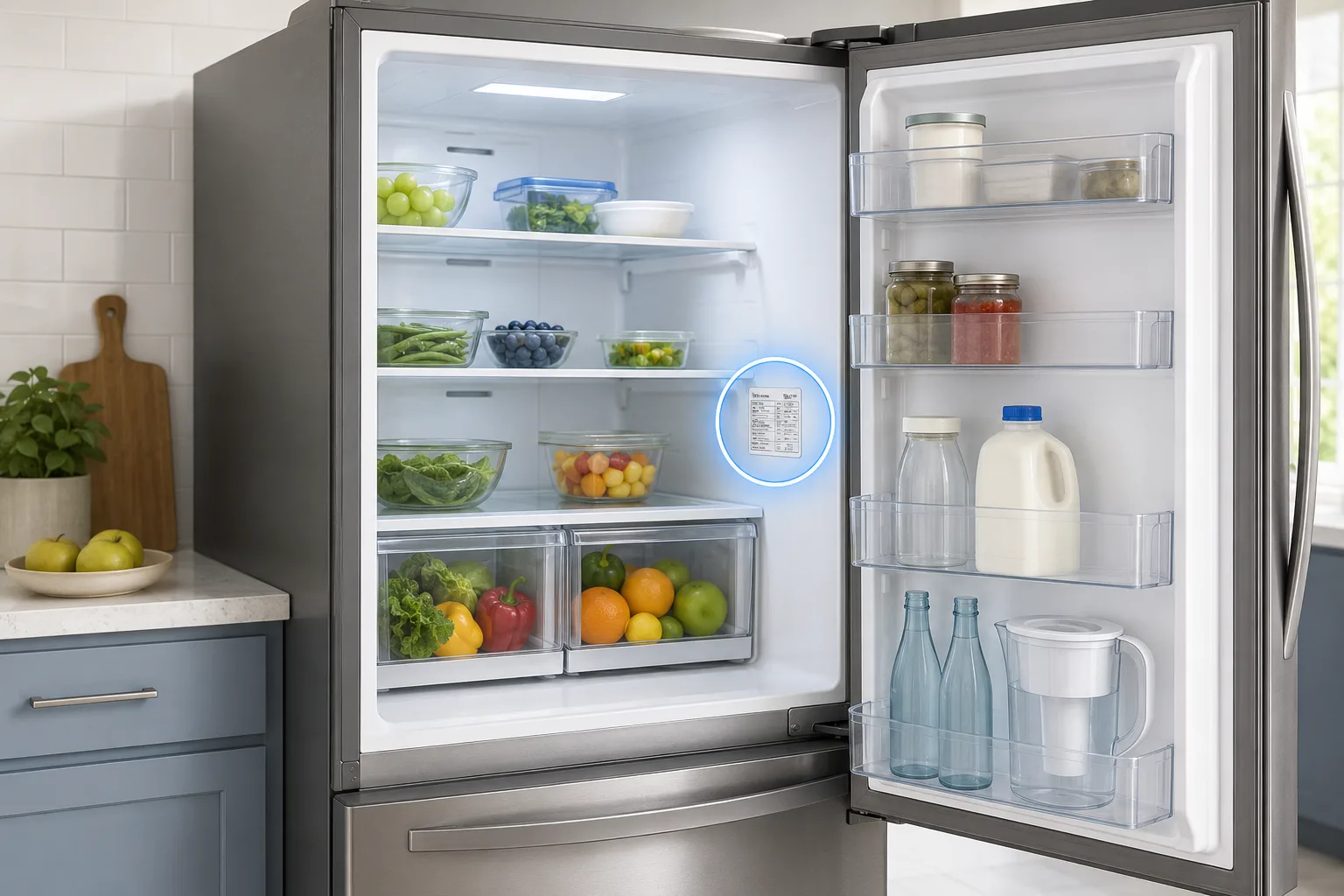
Identify the four-door FlexZone refrigerator
Samsung’s RF28HMEDBSR specification describes a separate FlexZone drawer above the freezer and names HAF-CIN as the water-filter accessory. Samsung’s HAF-CIN specification identifies DA29-00020B. The drawer temperature controls are separate from water-filter maintenance.
The steps here use the DA68-02952A-11 manual linked from RF28HMEDBSR/AA support. Check the slash suffix and service revision on your appliance. A different regional RF28HMEDBSR manual can have different controls, so match the supplied document first.
Access the filter above the FlexZone drawer
The manual’s page 26 interior drawing places the water filter centrally, below the vegetable drawers and above the separate drawer. Compare this drawing with your appliance before removal.
- Close the water supply valve. Turn the old filter about a quarter-turn counterclockwise, then pull it out horizontally.
- Empty the filter tray and dry around the housing to contain residual water.
- Push the replacement into the case and turn clockwise to lock. Align the locked symbol with the indicator line.
Reset through Alarm and check Control Lock
After changing the cartridge, hold Alarm / Filter Reset for about 3 seconds. The red filter indicator turns off. Use that labeled control rather than the Ice Type/Water sequence used on RF263BEAESR.
Control Lock blocks the dispenser and FlexZone panel. The manual identifies Ice Maker Off held for 3 seconds as its unlock control. Check for the lock icon if pressing the dispenser produces no water.
Flush until clear and inspect the housing
Reopen the water supply and dispense until water runs clear, approximately 6–7 minutes. The manual notes that additional flushing may be needed and directs a leak check at the filter.
Samsung describes the reminder as about six months or 300 gallons. Keep track of the installation date as well as the light. A new cartridge that leaks or fails to lock needs an installation and part check; resetting the reminder does not correct its seating.
Exact-model manufacturer sources
Research by Find My Water FilterHow we research
Sources and instructions checked November 1, 2026. The documents linked from the manufacturer’s exact-model page establish the scope of these instructions. This is a research-based guide, not a hands-on test. Compare your housing, controls and complete model before proceeding.