Samsung model match
Water filter replacement for Samsung RF23R6201SR
Samsung’s RF23R6201SR specification names HAF-QIN as the water filter. For the RF23R6201SR/AA version, the model-linked manual explains the quarter-turn cartridge, the Ice Maker button’s filter-reset function, and the flushing routine after replacement.
Compatibility entry updated November 1, 2026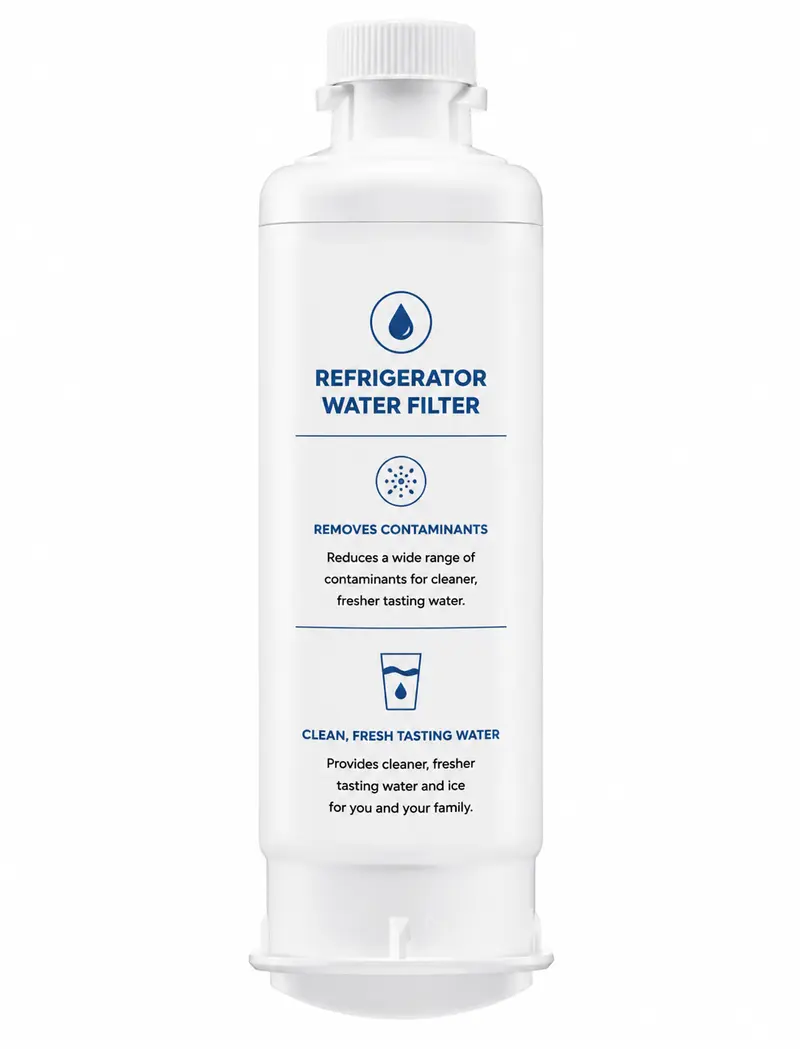
Guide match: DA97-17376BOur research associates Samsung RF23R6201SR with Samsung HAF-QIN. Confirm the full model label and current manufacturer result before ordering.
Match HAF-QIN and the full regional model
Samsung’s exact-model specification lists HAF-QIN for this counter-depth, three-door refrigerator. Samsung’s HAF-QIN cartridge reference identifies DA97-17376B. HAF-CIN and HAFCU1 are separate families; a similar Samsung cartridge name should not replace the full model check.
The instructions below use the USA manual linked on Samsung’s RF23R6201SR/AA support page. Read the slash suffix on your appliance label. Other regional versions have separate manuals, so match the supplied document and control labels before starting.
Replace the quarter-turn cartridge
The maintenance instructions are on English page 68. Have a towel ready for residual water and check the installation for leaks.
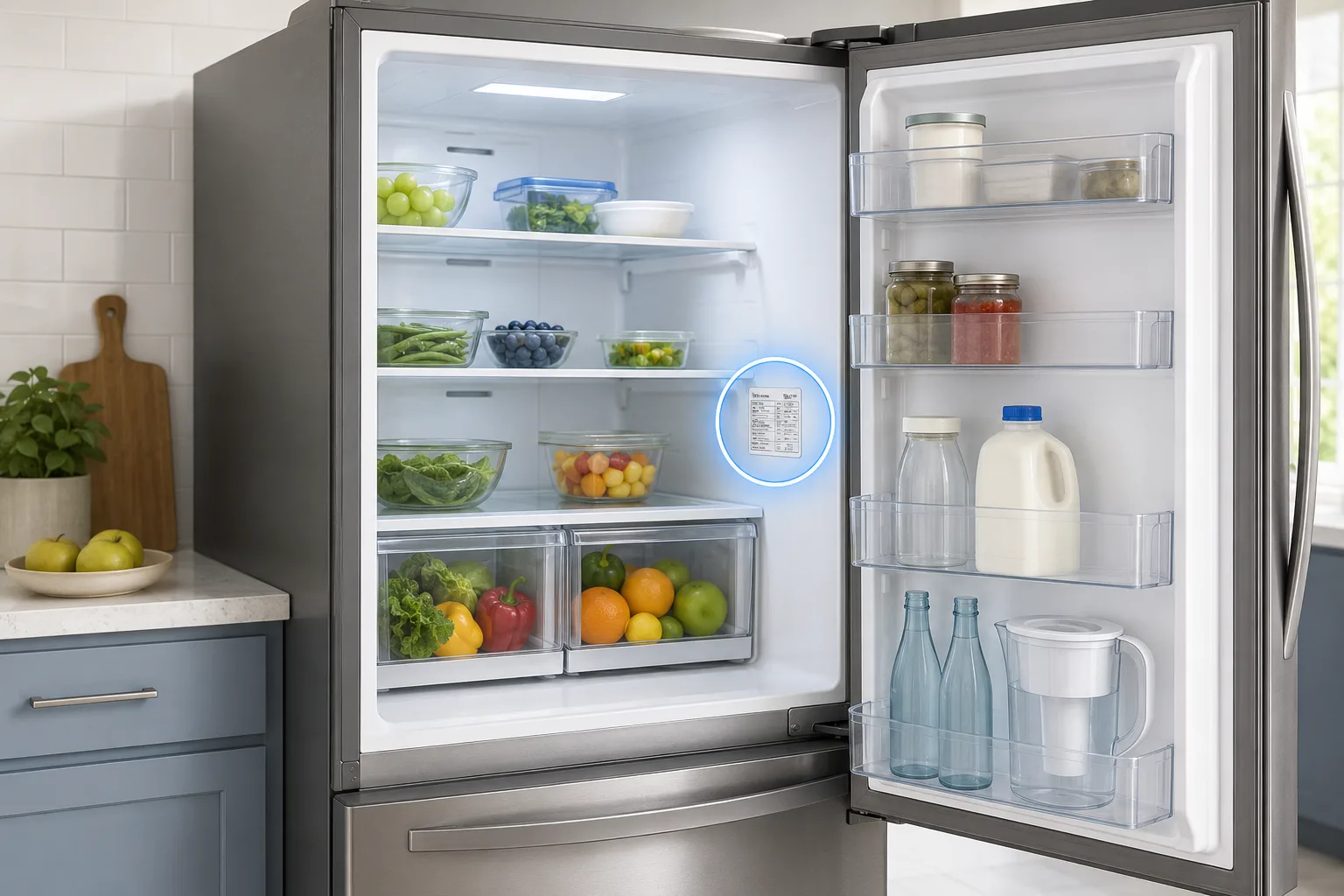
- Shut off the water supply before removal. The manual’s interior drawing places the cartridge knob low in the center of the refrigerator compartment, between the crispers and above the wide pantry drawer. Compare that drawing with your appliance.
- Rotate the cartridge knob 90 degrees counterclockwise to release it, then withdraw it straight out.
- Insert the correct Samsung-provided or approved replacement and turn the knob clockwise to lock it. Do not force a different connector into the housing.
Use Ice Maker for the filter reset
After replacement, hold Ice Maker on the main control panel for 3 seconds. That button also carries the Filter Reset function; the filter warning turns off. Follow that panel label instead of a reset combination taken from another Samsung model.
Reopen the supply valve and flush through the dispenser for about 7 minutes, as English page 68 directs. Release and press the lever again if dispensing stops after about a minute. Brief spurting can occur as trapped air clears.
When the reminder returns or dispensing stays slow
The manual describes a reminder after about six months, typically around 300 gallons. That is a service estimate, and local conditions can shorten it. Replace the cartridge before resetting its reminder.
If water does not dispense after the change, check that the supply valve is open and the dispenser lock is off. Inspect the cartridge installation and follow Samsung’s troubleshooting guidance if the problem continues. A filter reset changes the reminder; it does not fix a closed valve or an incorrectly installed cartridge.
Exact-model manufacturer sources
Research by Find My Water FilterHow we research
Sources and instructions checked November 1, 2026. The documents linked from the manufacturer’s exact-model page establish the scope of these instructions. This is a research-based guide, not a hands-on test. Compare your housing, controls and complete model before proceeding.