GE model match
Water filter replacement for GE PVD28BY models
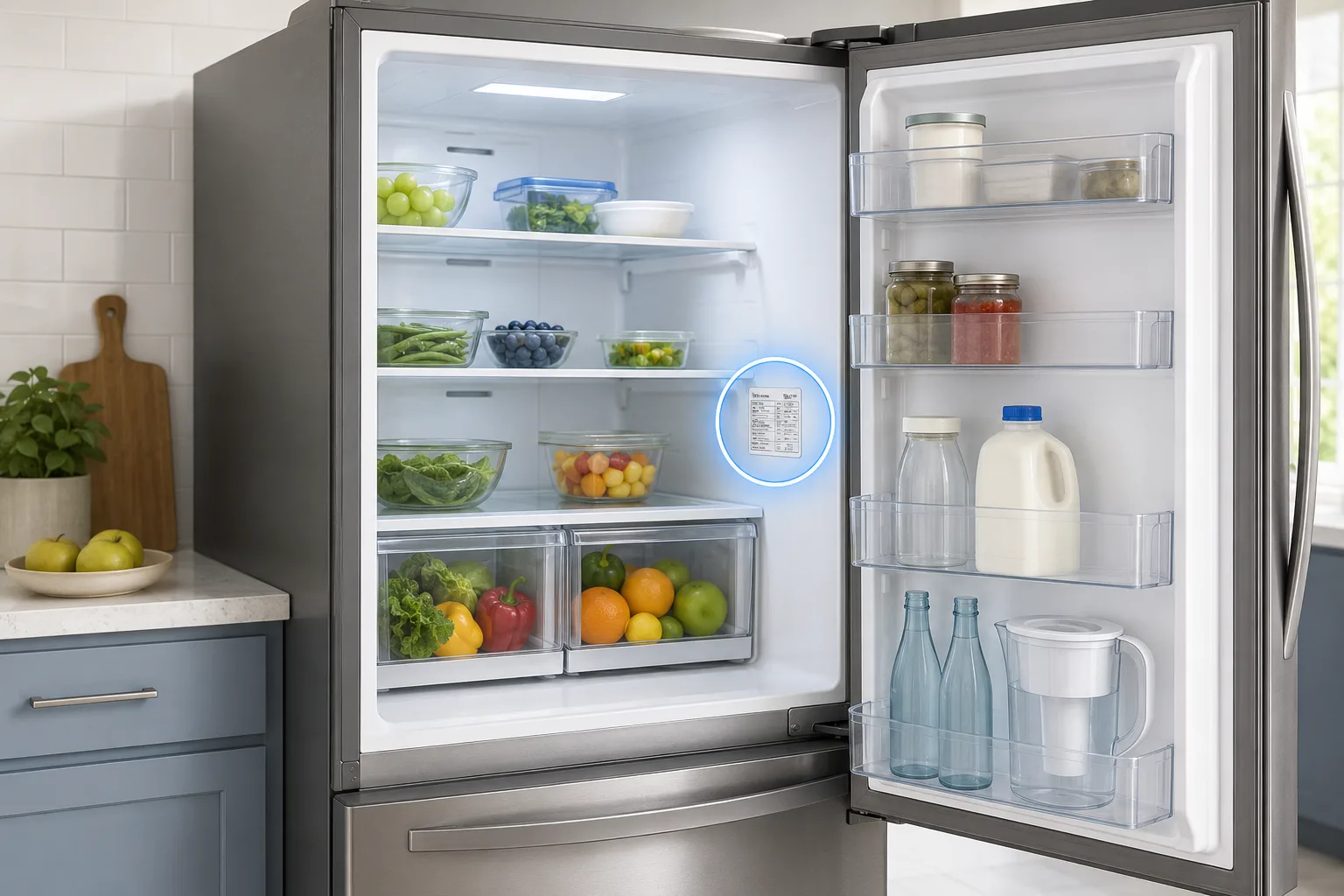
On the GE Profile PVD28BYNFS, the XWFE cartridge sits behind a panel in the left refrigerator door. Its filter-change confirmation differs from a generic three-second filter reset. The exact-model manual also gives a separate route for replacing the filter before a reminder appears.
Compatibility entry updated November 1, 2026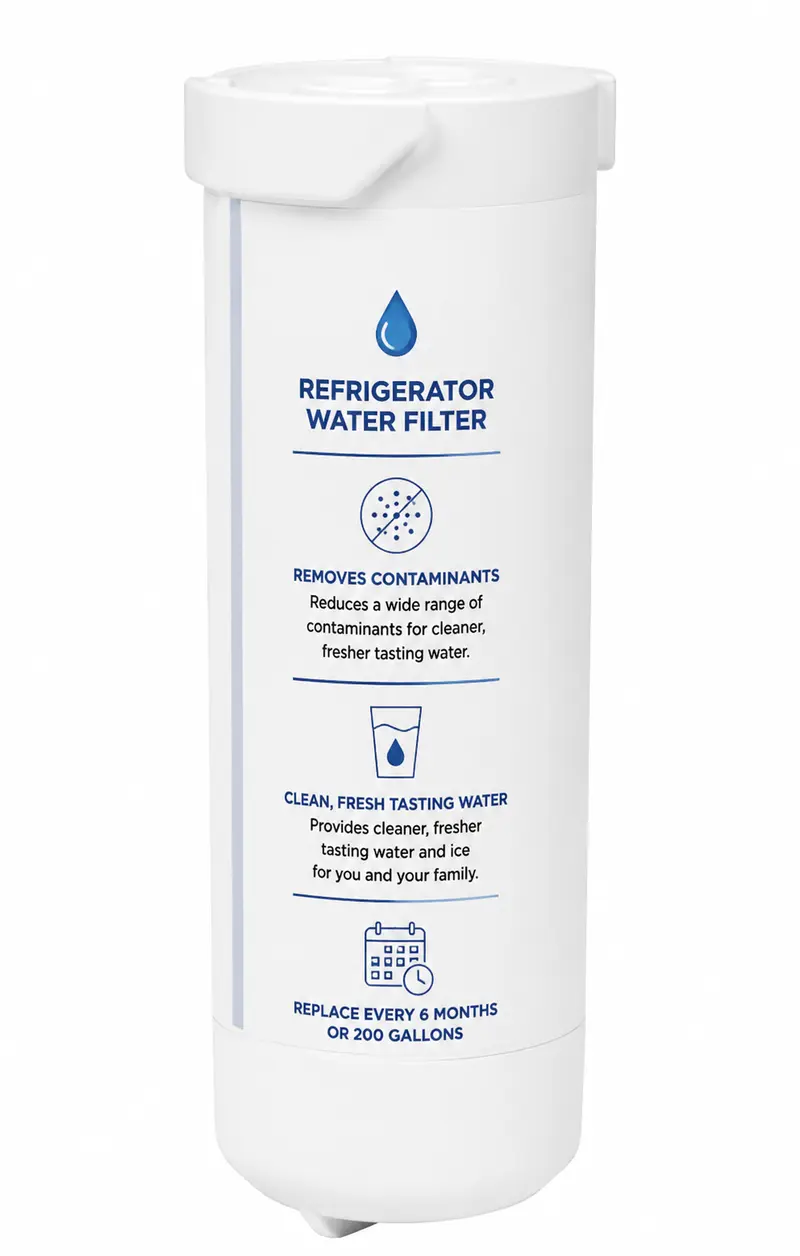
Guide match: XWFEOur directory associates each covered model label with GE XWFE. Confirm the complete label and current manufacturer result before ordering.
Exact model numbers covered by this guide
This page covers the complete labels below. Each one is matched with GE XWFE, part XWFE, in our current directory.
- PVD28BYNBFS
- PVD28BYNFS
The maintenance instructions below follow the exact model and revision named in their sources. A shared cartridge match does not establish identical controls or service procedures for every label.
What is specific to this model family?
GE markets PVD28BYNFS as a 27.9-cubic-foot, standard-depth, four-door French-door refrigerator with an exterior filtered-water and ice dispenser. GE's official parts catalog separately recognizes PVD28BYNBFS and lists its original XWF cartridge as replaced by XWFE. Keep the complete label for appliance service while using XWFE for the current water-filter decision.
Family compatibility record reviewed October 18, 2026. The maintenance sources below have their own model and revision scope and check date.
Check the official source: GE PVD28BYNBFS parts catalog →Match the PVD28 door panel and current manual
GE’s exact-model owner center links manual 49-1000332 Rev. 10, dated March 2026. Page 15 identifies XWFE behind the left-door rectangular access panel; pages 11–12 describe the exterior dispenser and AutoFill.
The family record above retains the separate PVD28BYNBFS parts-catalog evidence and current XWFE replacement answer. These maintenance details were checked through PVD28BYNFS. Match your complete service label and actual controls before using the sequence.
Replace the cartridge behind the left-door panel
- Open the cartridge housing. Turn the old filter slowly left about a quarter-turn until it releases. Catch drips and keep clear of a cartridge pushed out by trapped air.
- Align the replacement’s ports with the holder and insert gently.
- Turn right to the stop, about 90 degrees, with its label facing outward. Avoid overtightening.
- Push the filter up into its clips and close the housing until the tabs lock.
Choose the prompted confirmation or early-change reset
Flush 2 gallons, approximately 5 minutes, through the dispenser. When the display shows Confirm Filter Change during dispensing, press the button underneath that message after replacement.
For a change made before the reminder appears, press Settings until Icemaker is highlighted, then hold Water and Ice together for 3 seconds. Do not clear a replacement reminder before installing the new cartridge.
A prompt cleared too early can leave an old cartridge in use without its reminder. Keep the change date and installed part code in your maintenance record.
Check the container when AutoFill behaves differently
For AutoFill, center the container toward the rear of the tray without pressing the paddle, remove your hand and press AutoFill. Any key stops filling. Handles or straws at the rim can affect sensing; try a plain container and keep the sensors clean with a damp cloth.
After flushing, inspect the filter housing for leakage before returning to normal use. If water flow and automatic filling behave differently, note which function is affected when consulting GE’s model support.
Exact-model manufacturer sources
Research by Find My Water FilterHow we research
Sources and instructions checked November 1, 2026. The documents linked from the manufacturer’s exact-model page establish the scope of these instructions. This is a research-based guide, not a hands-on test. Compare your housing, controls and complete model before proceeding.