Bosch model match
Water filter replacement for Bosch B36CT80SN models
After a Bosch B36CT80SNS filter change, plan for both water flushing and an ice discard period. The B36CT80SNS/46 manual also identifies a physical ice-maker button that resets filter status when held. Check the complete E-number before applying these instructions.
Compatibility entry updated November 1, 2026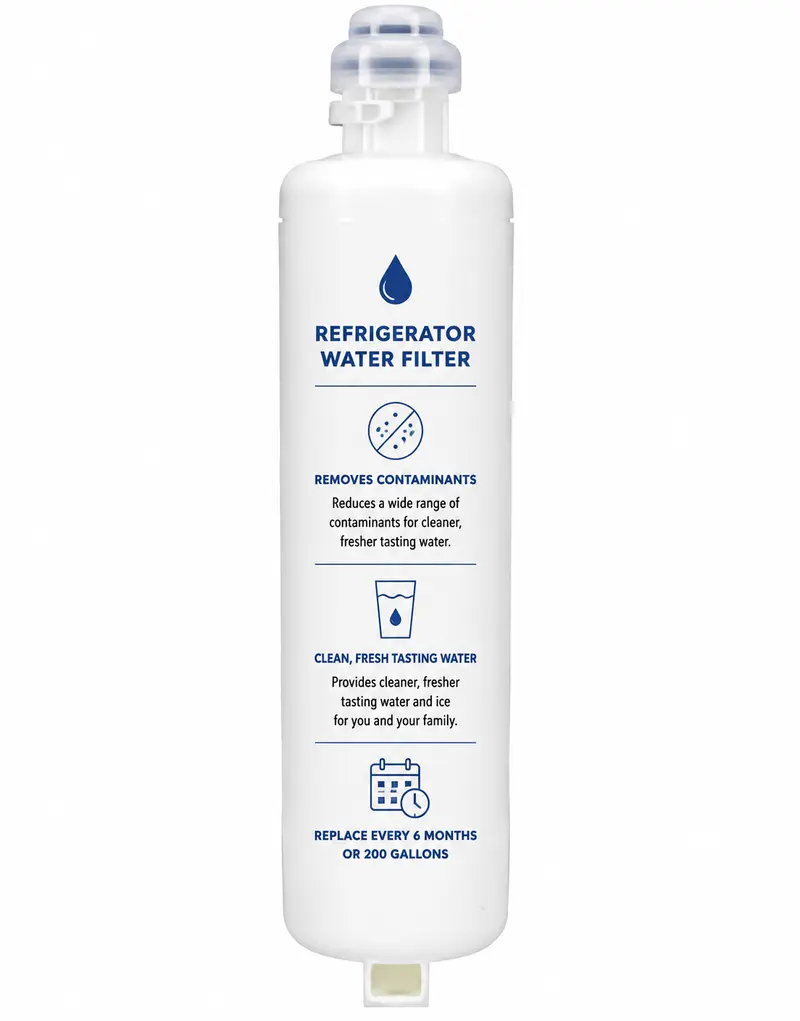
Guide match: 11032531Our directory associates each covered model label with Bosch UltraClarity® Pro. Confirm the complete label and current manufacturer result before ordering.
Exact model numbers covered by this guide
This page covers the complete labels below. Each one is matched with Bosch UltraClarity® Pro, part 11032531, in our current directory.
- B36CT80SNB
- B36CT80SNS
The maintenance instructions below follow the exact model and revision named in their sources. A shared cartridge match does not establish identical controls or service procedures for every label.
What is specific to this model family?
Bosch's design guide lists B36CT80SNS in stainless steel and B36CT80SNB in black stainless steel within the same 800 Series counter-depth family. It also identifies an internal water dispenser and the UltraClarity Pro filtration system. The color suffix matters for exterior parts, but both covered labels use the same researched 11032531 filter answer.
Family compatibility record reviewed October 18, 2026. The maintenance sources below have their own model and revision scope and check date.
Check the official source: Bosch kitchen design guide →Check the slash revision and internal dispenser
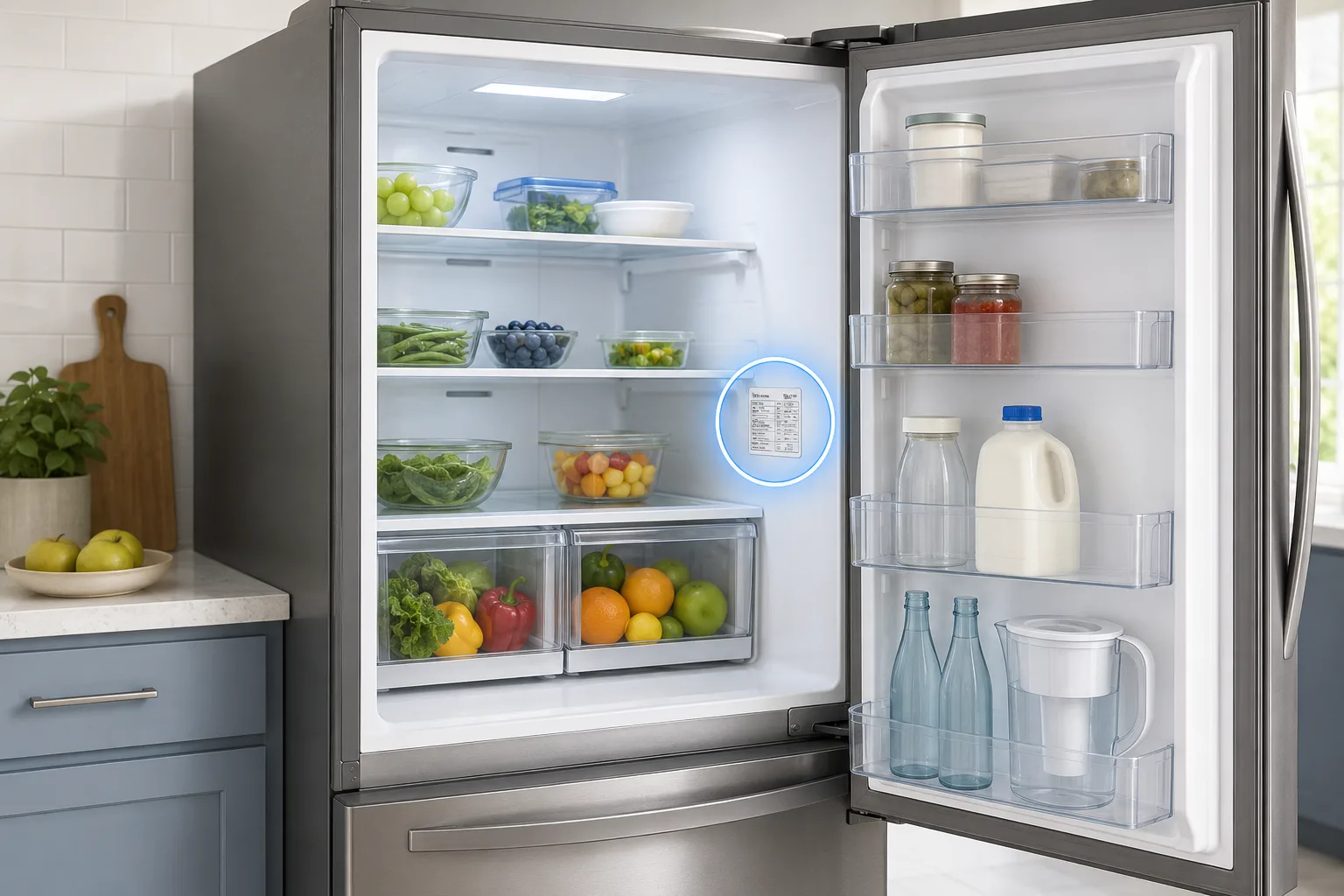
Bosch identifies B36CT80SNS as an 800 Series refrigerator with an internal water dispenser. This maintenance sequence follows manual 9001602134_B, opened through B36CT80SNS/46 support. The existing family compatibility record above retains the 11032531 UltraClarity Pro match.
Read the complete E-number, including the slash suffix, from the appliance label. For another revision, retrieve its own instructions and compare the housing and ice-maker controls. A shared cartridge code does not establish identical service steps across revisions.
Slide the cover forward before lowering the filter
- Pull the recess below the cover slightly forward, then down to the left.
- Lower the cartridge leftward, turn it 90 degrees counterclockwise and remove carefully. It is under pressure; catch drips with a cloth.
- Insert the replacement fully, turn 90 degrees clockwise and fold it upward to the right.
- Move the cover up to the right and slide it fully back.
Flush water and discard the first 24 hours of ice
The /46 manual requires dispensing and discarding water for 5 minutes and discarding ice produced during the first 24 hours. Continue dispensing until air bubbles clear.
At the internal dispenser, hold a glass against the button or hold the glass below the outlet and press the button. Flow can stop after prolonged dispensing; wait a few seconds before continuing, or a few minutes after repeated consecutive uses.
Use the ice-maker button for the documented reset
Page 21 shows the ice-maker cover lifted to reach its button. A normal press switches ice production on; holding that button for 3 seconds resets filter-change status.
Replace the cartridge every six months, when prompted or if flow visibly decreases. The water system needs a filter or the proper bypass cap installed.
Treat the reset and installation check as separate tasks. Record the date and inspect the housing during dispensing. If the physical controls differ from the linked drawing, use the manual for your complete revision before trying a button sequence.
Exact-model manufacturer sources
Research by Find My Water FilterHow we research
Sources and instructions checked November 1, 2026. The documents linked from the manufacturer’s exact-model page establish the scope of these instructions. This is a research-based guide, not a hands-on test. Compare your housing, controls and complete model before proceeding.