Bosch model match
Water filter replacement for Bosch B36CL80ENS
Bosch B36CL80ENS filter replacement starts with the complete E-number, including its slash revision. Bosch lists UltraClarity Pro part 11032531 on the /01 support page. That revision’s manual explains the moving filter cover and two different timer-reset situations.
Compatibility entry updated November 1, 2026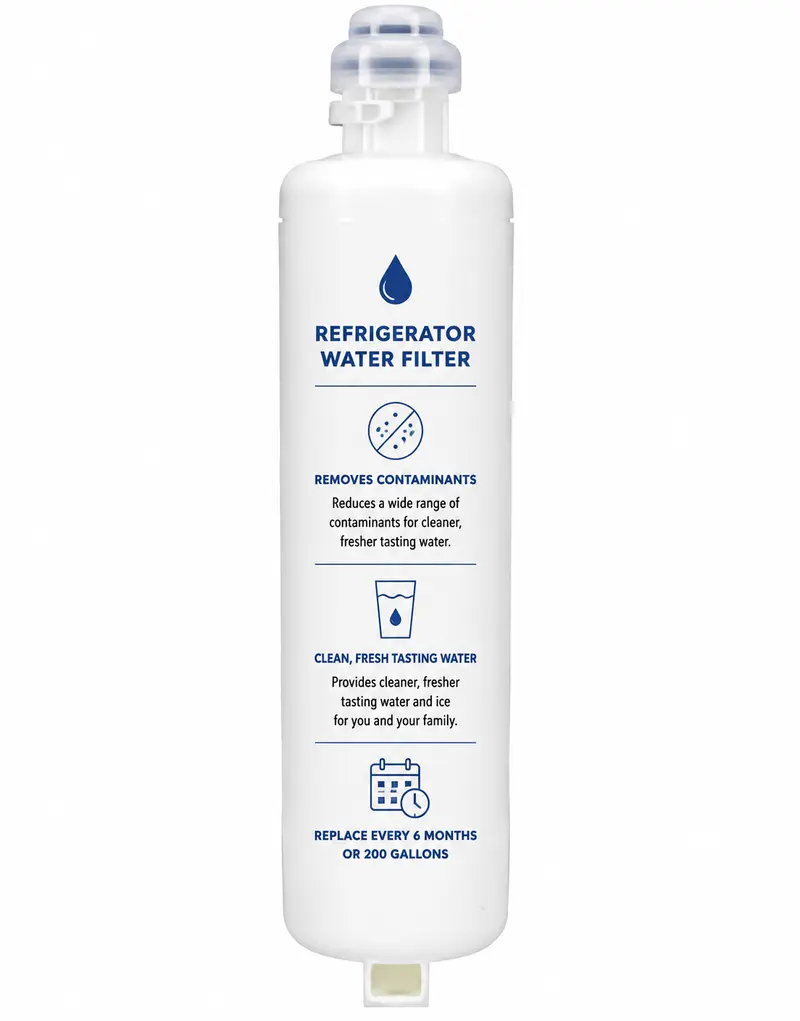
Guide match: 11032531Our research associates Bosch B36CL80ENS with Bosch UltraClarity® Pro. Confirm the full model label and current manufacturer result before ordering.
Match the E-number and UltraClarity Pro cartridge
The B36CL80ENS specification describes a four-door refrigerator with an internal water dispenser and an UltraClarity Pro water filter. Bosch’s B36CL80ENS/01 accessory list identifies 11032531 and the BORPLFTR55 designation.
Instructions below are scoped to B36CL80ENS/01 and its linked manual 8001141596_C. Read the complete E-number on the rating plate. For another slash revision, retrieve that revision’s Bosch instructions and compare the housing and panel before proceeding. AirFresh and FreshProtect accessories serve different purposes from the water cartridge.
Move the upper-right filter cover before turning
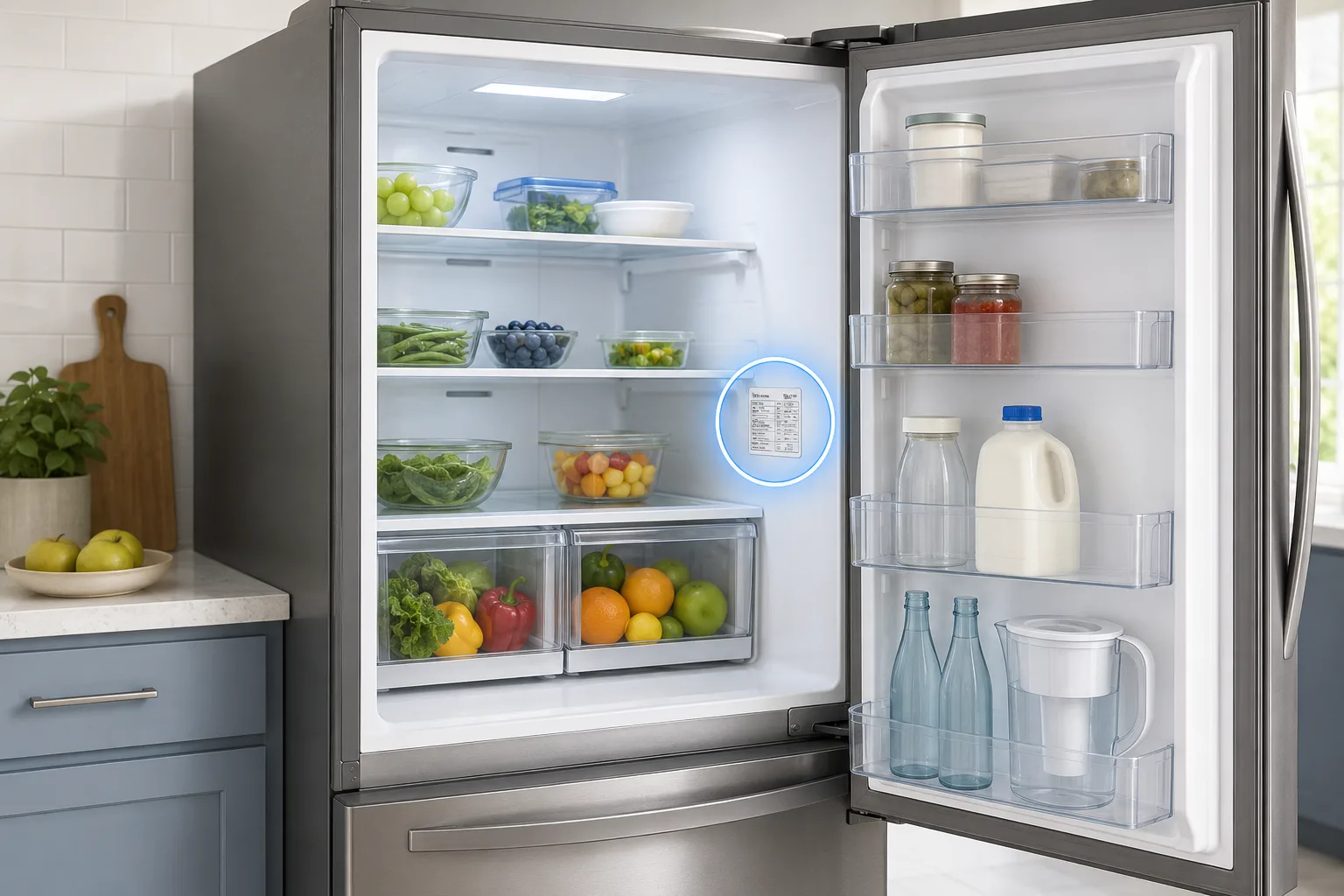
The /01 manual’s diagram places the water filter at the upper right of the refrigerator compartment. Have a soft cloth ready for drips.
- Use the lower recess to pull the cover slightly forward, then move it down and left.
- Turn the cartridge 90 degrees counterclockwise and remove it.
- Insert the replacement fully, then turn 90 degrees clockwise to the stop. Move the cover up and right, and slide it back.
Choose the reset for a lit alarm or an early change
If Change Filter is lit after replacement, hold that button for 3 seconds to clear the alarm and restart its timer.
For a change made before the alarm lights, the /01 manual gives a different path: press Menu, then Change Filter, use the Settings arrows to select 0, and press Menu to save. This resets the timer without waiting for the reminder.
Flush the new filter and keep the water path connected
The manual directs dispensing and discarding water for 5 minutes, or discarding ice produced during the first 24 hours after a new filter. Replace every six months or when the reminder appears.
For operation with external filtration, Bosch describes installing the appropriate bypass filter. Leaving an empty housing is not the documented bypass method. Keep bypass selection tied to the full E-number and the external system’s instructions; a bypass is not a replacement filtration cartridge.
Exact-model manufacturer sources
Research by Find My Water FilterHow we research
Sources and instructions checked November 1, 2026. The documents linked from the manufacturer’s exact-model page establish the scope of these instructions. This is a research-based guide, not a hands-on test. Compare your housing, controls and complete model before proceeding.