Amana model match
Water filter replacement for Amana ASI2575GR models
For the Amana ASI2575GRS, use the Filter 1 accessory listed on its exact product page and match the actual filter door. Its model-linked control sheet shows a Temp Setting filter reset inside the refrigerator and separate Lock and Unlock buttons at the dispenser.
Compatibility entry updated November 1, 2026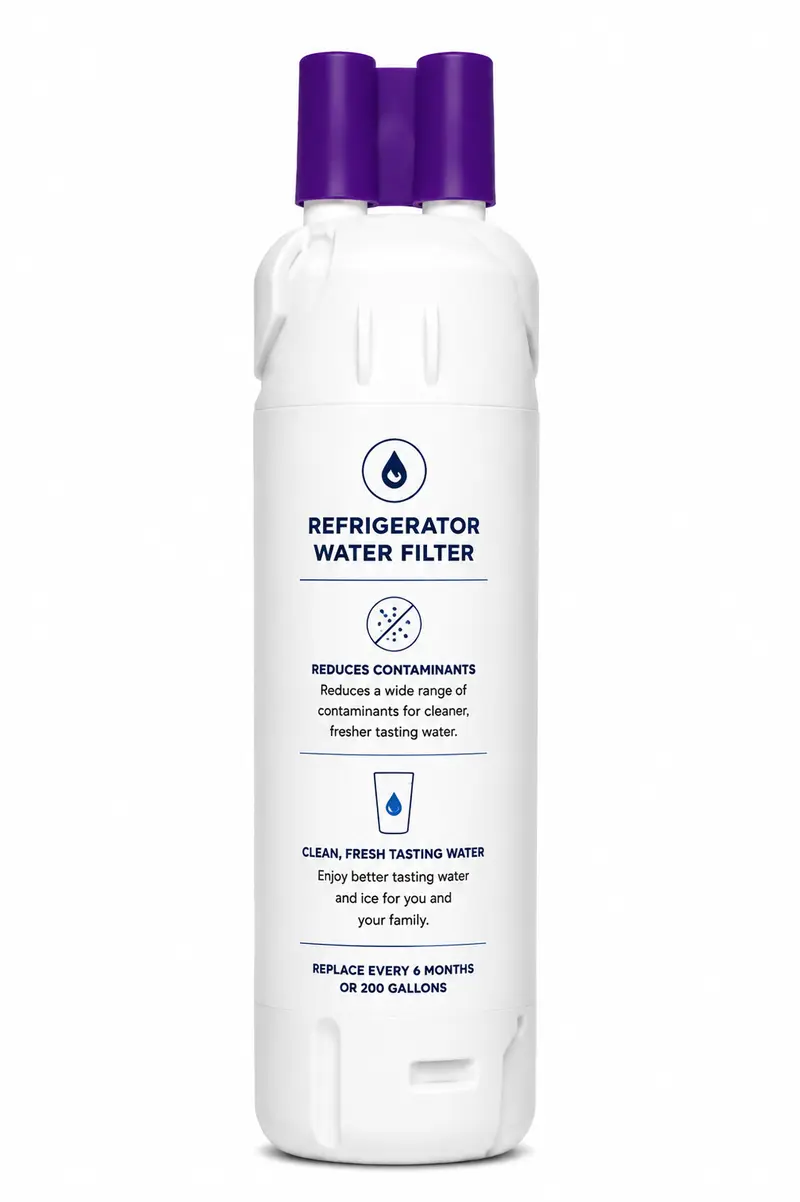
Guide match: EDR1RXD1Our directory associates each covered model label with everydrop® Filter 1. Confirm the complete label and current manufacturer result before ordering.
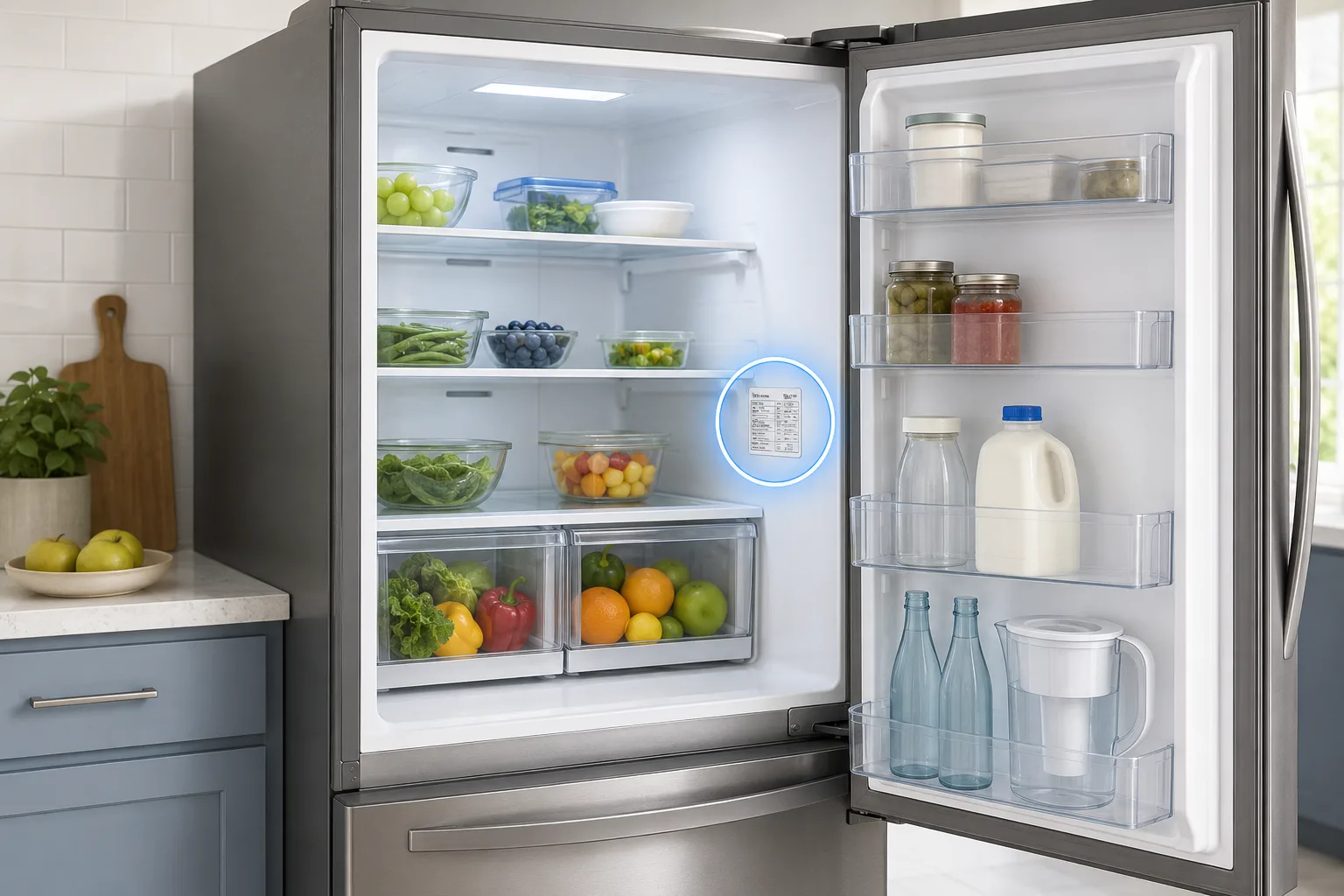
Exact model numbers covered by this guide
This page covers the complete labels below. Each one is matched with everydrop® Filter 1, part EDR1RXD1, in our current directory.
- ASI2575GRB
- ASI2575GRS
The maintenance instructions below follow the exact model and revision named in their sources. A shared cartridge match does not establish identical controls or service procedures for every label.
What is specific to this model family?
Amana identifies this as its 36-inch, 25-cubic-foot side-by-side family with an external dual-pad ice and water dispenser and EveryDrop filtration. This is a separate appliance family from ASI2175GR, so it keeps its own guide even though both families use Filter 1.
Family compatibility record reviewed October 18, 2026. The maintenance sources below have their own model and revision scope and check date.
Check the official source: Amana refrigerator comparison information →Confirm Filter 1 and the ASI2575GRS control sheet
Amana’s ASI2575GRS product page links everydrop Filter 1, EDR1RXD1. Its Manuals & Documents section links owner’s manual W11484052E and control sheet W11396839C.
These maintenance details were checked through ASI2575GRS, the 36-inch dual-pad dispenser model. Keep the complete service revision available. The shared owner’s manual covers multiple housings and panels; compare the drawing to your appliance before following a style-specific procedure.
Match the base-grille door before opening the cartridge
For a housing matching Style 2 in the owner’s manual, use the base-grille sequence below. If yours is at the upper right instead, use the manual’s separate Style 1 drawing and its upward-arrow alignment.
- Open the base-grille filter door fully; it releases the cartridge. Pull the old filter straight out and catch residual water.
- Remove the new cartridge’s protective covers without dislodging its O-rings.
- Point its arrow left toward the door hinge, slide it into the housing and close the door completely to seat it.
Flush three gallons and hold Temp Setting to reset
Flush in 5-second dispensing and 5-second release intervals until water appears, then continue that pattern until 3 gallons (12 L) have passed. Check for leaks.
The W11396839C control drawing labels Temp Setting with Water Filter Reset, Hold 3 sec. Use that three-second hold on the matching interior panel after replacement. Record the date even when the light goes out; the owner’s manual calls for replacement at least every six months.
Unlock the dispenser using its separate button
The model-linked control sheet has separate Lock and Unlock buttons: press Unlock to restore dispensing. Separate Light On and Light Off buttons control continuous dispenser lighting.
The lock disables dispenser controls and its lever, while the ice maker and refrigerator remain powered. Check this control before treating a nonresponsive dispenser as evidence of a blocked filter.
Exact-model manufacturer sources
Research by Find My Water FilterHow we research
Sources and instructions checked November 1, 2026. The documents linked from the manufacturer’s exact-model page establish the scope of these instructions. This is a research-based guide, not a hands-on test. Compare your housing, controls and complete model before proceeding.